- Set up your redirect URL.
- Acquire credentials from CRO.
- Verify credentials work.
Redirect URL
The redirect URL (also called a callback URL) is the OAuth 2.0 endpoint in your application that we send the user’s browser back to after they sign in. It arrives carrying the authorization code that your app exchanges for tokens — so it must be a route your code actually handles, not a general web page. A company homepage or marketing page will not work: nothing there can receive or process the authorization code, and the sign-in flow will dead-end. Typical values:- A route in your app, e.g.
https://yourapp.example.com/oauth/callback http://localhost:3000/oauth/callbackduring development- The fixed callback URL published by the platform or OAuth library you’re building on (e.g. Google Apps Script’s
https://script.google.com/macros/d/{SCRIPT_ID}/usercallback, Postman’shttps://oauth.pstmn.io/v1/callback)
Acquire Credentials from CRO
Once you have a redirect URL, contact our development team at crodev@rapidworks.com to have your credentials issued. Please keep the subject line as “CRO API Credentials Request” so we can route it quickly. See the FAQ for what to include in your request to avoid a round trip.Verify Credentials Work
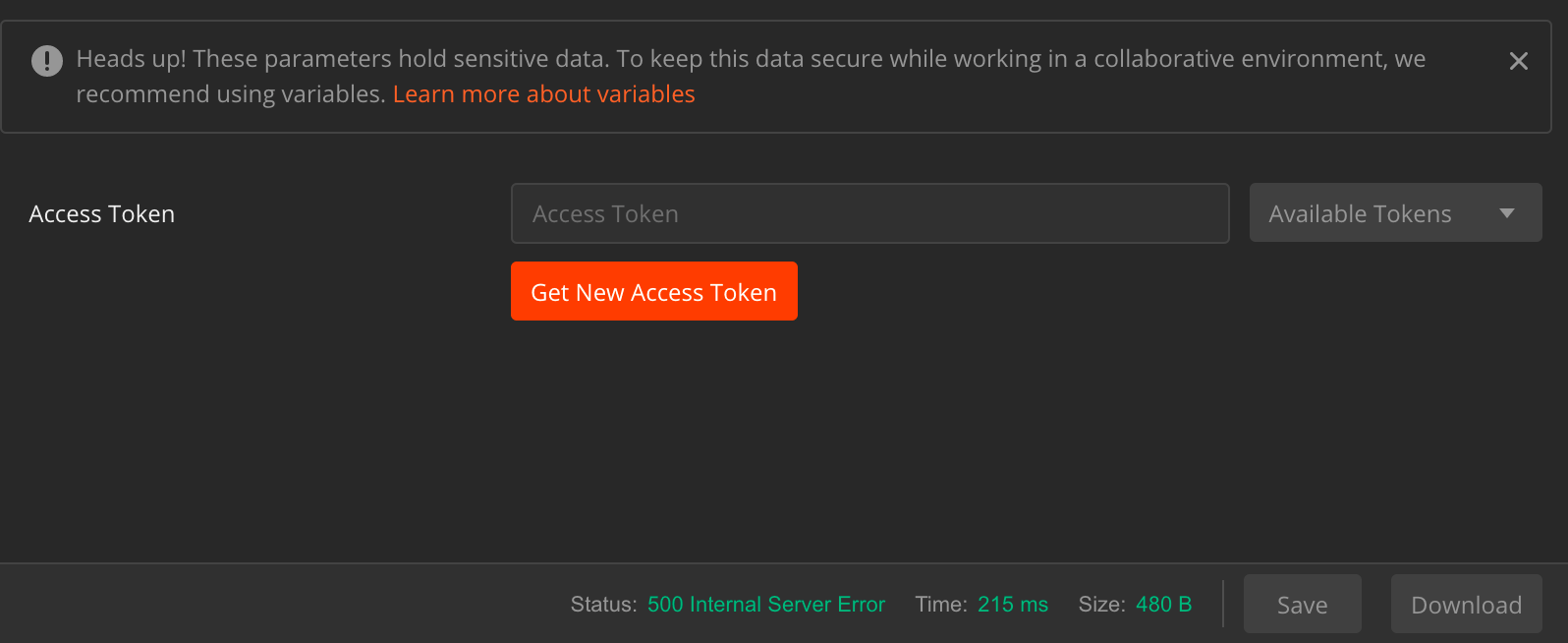
With your account provisioned, now you’re ready to make everything work. The easiest way to get started is to use an app like Postman. Postman has built in support for OAuth testing, but any HTTP client tool should work.Request Access Token
Assuming you’re using Postman, create a new request and click on the “Authentication” tab.